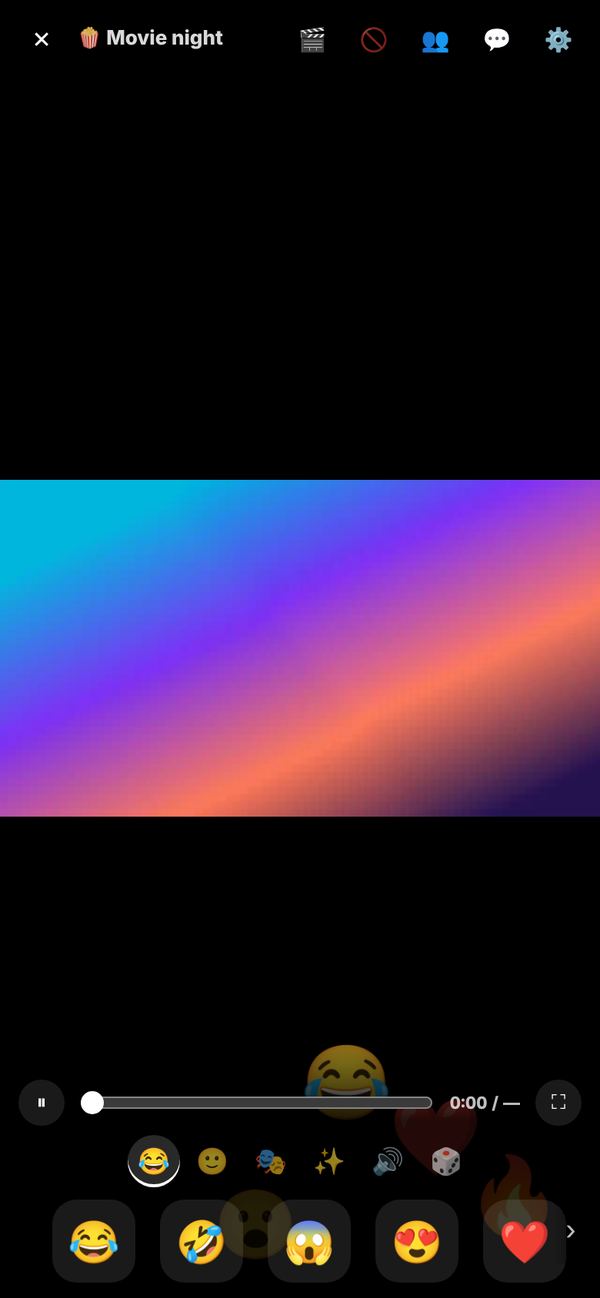
Three ways to put a film on
- Share a tab or your screen (from a computer) — open the film on the site you normally use and share that tab with sound. Your partner sees and hears it, even on a phone.
- Your own video file — pick a file from your device; it streams to your partner.
- YouTube or a direct video link — plays on both devices at once, with shared pause and seek.
Some streaming services block screen sharing of their videos — then the other person sees a black picture. That is their protection, not a Duet bug.
More than a shared screen
The fun part is reacting together: send 😂 and ❤️ that float over the film, put a funny mask on an actor’s face, throw a tomato at the villain, add a speech bubble or a dramatic sound. Your partner sees everything instantly.
Duet even catches the best moments: when you both laugh, it can save a short clip or a photo of your faces and the scene.
Watch with more than two people
Hosting a movie night for friends? Start a room on your computer and send the link or QR code — up to 8 people can watch from their phones, with sound, reactions and effects.
Video chat stays on
Unlike browser extensions that only sync playback, Duet keeps your video call running, so it feels like sitting on the same sofa. You can hide the faces or turn your camera off at any time.
Questions
Do we both need a streaming subscription?
If you share your screen or a tab, only the person sharing needs access to the film. Note that some services show a black screen when shared.
Does it work on a phone?
Watching and reacting works on phones. Sharing a screen or tab needs a computer (Chrome or Edge), because mobile browsers do not allow it.
Is there a delay between us?
With YouTube and links both devices play the same file and stay in sync. With screen sharing your partner sees your stream with a small delay, like any video call.
Is it free?
Yes, and no account is needed.
Watch movies together online
Start free — no sign-up →